



Choose Cottage CMS if…
broader business management is the priority.
- Compliance, delivery, and website operations matter most.
- You want a broader cottage-food system.
- Quotes and deposits are worth moving to a higher plan.
 Confita
 comparisons · Verified August 28, 2026
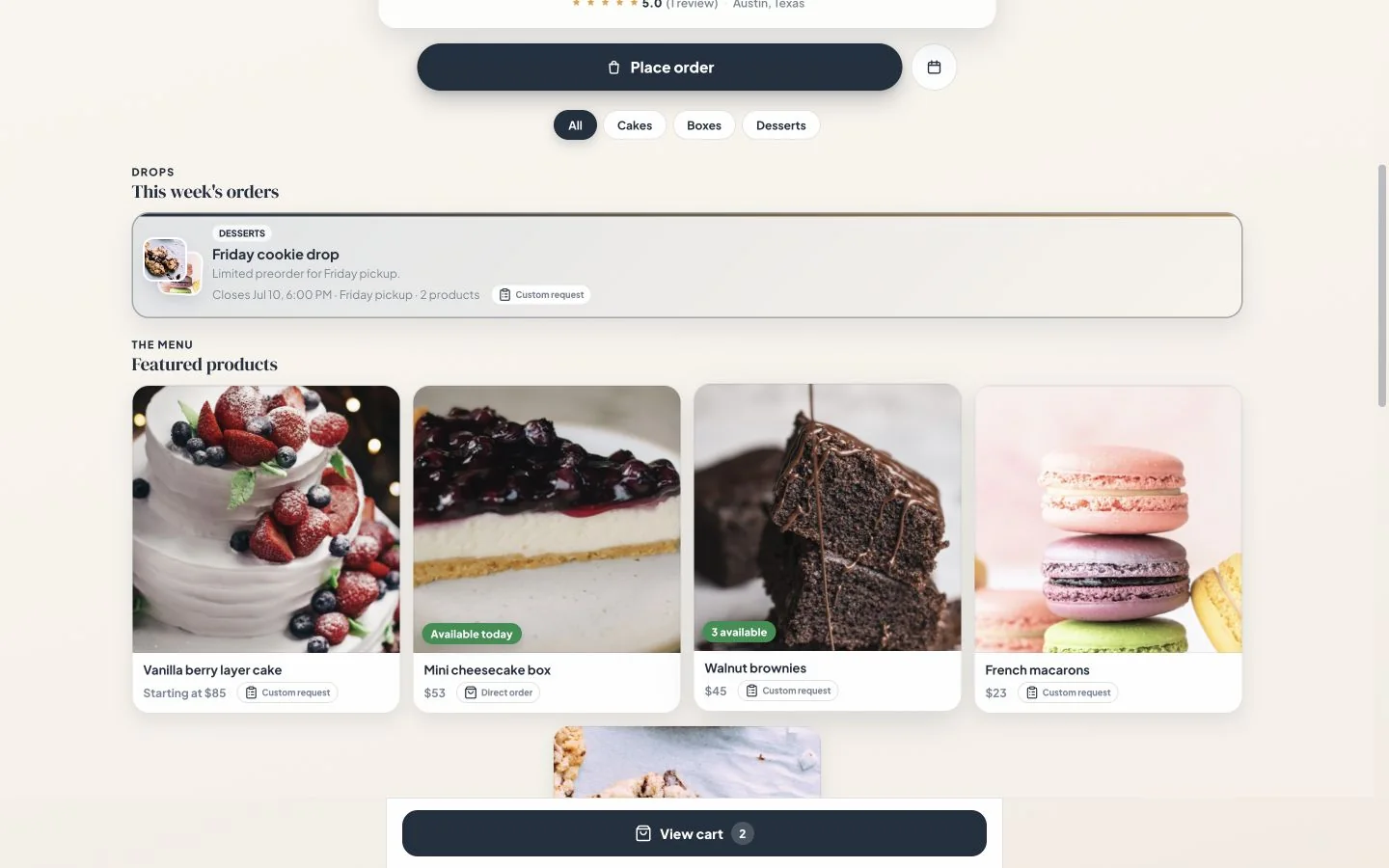
Cottage CMS is a broader cottage-food business system. Confita keeps the customer-facing selling experience focused: a distinctive storefront, instant checkout, custom work, and payment.
Join 250+ bakers on Confita
broader business management is the priority.
the immediate priority is a polished shop that sells in more than one way.
The difference
Cottage CMS offers more surface area. Confita makes a stronger case when that extra surface is not where your time goes.
| What changes | Confita | Cottage CMS |
|---|---|---|
| Free plan | No free plan; 7-day free trial | Free forever starter storefront with Square checkout and availability windows |
| Paid plan | US$9.99/month or US$49/year | Pro US$20/month or US$200/year; Scale US$37/month or US$370/year |
| Platform fee | 0% from Confita on your own Stripe or Square (Confita Payments: 3.9% + 30¢ all-in) | Free Square checkout may include a Cottage CMS service fee; Pro removes it |
| Website infrastructure | Focused storefront pages | Custom pages, blog, shipping, delivery, business email, and higher-tier CSS |
| Everyday checkout | Products move straight from your storefront to checkout, with pickup or delivery details | Square checkout |
| Custom orders | Questions, reference photos, private quote, deposit, and balance | Forms and image questions on Free; deposits and quotes on Pro |
| Payments | Square or eligible Stripe, plus manual methods | Square checkout |
| Start taking cards | Confita Payments: connect your bank for checkout and payouts, with no Stripe or Square account required (US and Canada) | Connect a Square account for checkout |
| Selling models | Direct orders, Custom requests, quotes, deposits, and scheduled drops | Storefront, preorders, drops, and availability rules |
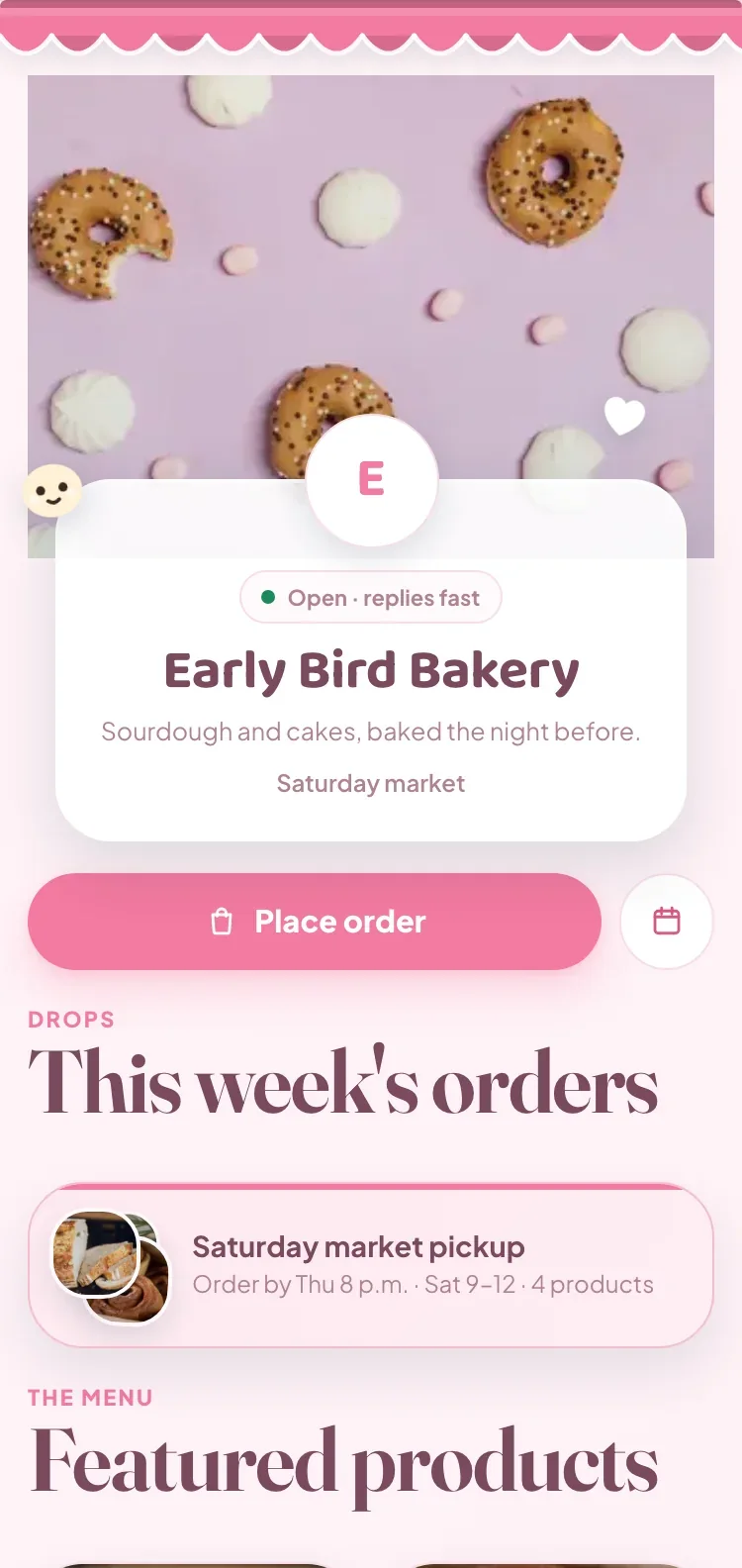
| Storefront design | All themes included, with fonts, banners, custom stickers, motion, and brand controls | Templates and web controls; custom CSS on Scale |
Fewer steps for customers
Confita puts the product and the order flow in the same place, so customers can check out when the item is ready to buy and give details when it is not.
Cottage CMS can be the better fit for broader operations. Confita is the fit when a focused selling flow and a more expressive storefront are the job to solve.

Before you choose
What bakers ask about Cottage CMS and Confita
Reviewed against public product pages on August 28, 2026. Confirm current terms before subscribing.
Cottage CMS Free costs US$0 forever. Its Pro plan costs US$20/month or US$200/year. Confita costs US$49/year or US$9.99/month. Cottage CMS gives you a much broader website and business toolset, so compare the plan based on what you will actually use.
Free includes a real storefront, physical products, Square checkout, availability windows, preorders and drops, product options, custom forms, image questions, realtime inventory basics, customer records, and email notifications. Free checkout may include a small Cottage CMS service fee, while Square processing still applies.
They solve different problems. Cottage CMS gives broader website control with pages, templates, a custom domain, and custom CSS on the higher tier. Confita gives more focused storefront control with themes, colors, covers, fonts, banners, stickers, entrance animations, and live preview in the shop workflow.
Yes. Cottage CMS lists custom forms and image questions on Free, then adds quotes and order deposits on Pro. Confita is a better fit if you want the questions, reference photo, private quote, deposit, and receipt upload to follow one focused customer path.
Square processing fees still apply. Cottage CMS says Free checkout may include a small Cottage CMS service fee, while Pro removes it. Confita also connects existing Square seller accounts and adds eligible Stripe accounts as another choice, with no Confita fee on either. Provider rates still apply.
Yes. Confita works from a phone, tablet, or computer for both sellers and customers. You can create the shop, edit its design, review requests, and send quotes from the browser.
Before you switch
Still deciding about Cottage CMS?
See how the workflow feels
Set up your products, add the details you need, and send yourself a test order before you share the link.